
Author
This section focuses on deploying microservices locally using Kubernetes with Minikube. It allows developers to simulate a real production-like Kubernetes environment directly on their local machine.
? With Minikube, you can test deployments, services, and scaling behavior without needing a cloud-based Kubernetes cluster.
Minikube is a lightweight Kubernetes distribution that allows you to run a local Kubernetes cluster on your own machine. It is mainly used for development, testing, and learning Kubernetes concepts without needing a cloud setup.
Key Features
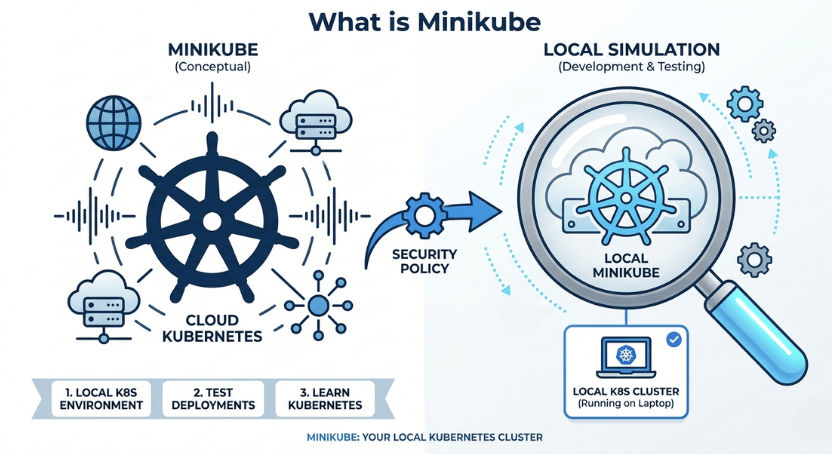
Once Minikube is installed, you can start a local Kubernetes cluster using a simple command:
minikube start
? This command initializes a local Kubernetes cluster on your machine.
You can verify that your cluster is running using:
kubectl get nodes
Output Example:
NAME       STATUS   ROLES           AGE
minikube   Ready    control-plane   1m
? In simple words: Minikube creates a ready-to-use Kubernetes environment on your local system so you can deploy and test applications easily.
To start working with Kubernetes locally, you need to install the required tools first. These tools allow you to create and manage a local Kubernetes cluster on your system.
Install Required Tools
Start Minikube Cluster
After installation, you can start your local Kubernetes cluster using the following command:
minikube start
? This command initializes and starts a local Kubernetes cluster on your machine, making it ready for deploying and testing applications.
You wrote:
minikubestart
Correct command is:
minikube start
Before deploying microservices to Kubernetes, each service must be containerized using Docker to ensure consistent behavior across different environments.
Example Microservices
Steps to Prepare Docker Images
Example: Build Docker Images
docker build -t user-service:1.0 .
docker build -t order-service:1.0 .
Load Images into Minikube (Optional)
minikube image load user-service:1.0
minikube image load order-service:1.0
? This step converts microservices into Docker images so they can run consistently inside Kubernetes.
Kubernetes uses YAML configuration files (called manifests) to define and manage application resources inside the cluster.
These files describe how your application should be deployed, run, and managed in Kubernetes.
What Kubernetes Manifests Define
? In simple terms, Kubernetes manifests act as a blueprint for running your application inside a cluster.
Example Kubernetes Manifest (Deployment)
apiVersion: apps/v1
kind: Deployment
metadata:
  name: user-service
spec:
  replicas: 2
  selector:
    matchLabels:
      app: user-service
  template:
    metadata:
      labels:
        app: user-service
    spec:
      containers:
        - name: user-service
          image: user-service:1.0
          ports:
            - containerPort: 8080
Example Kubernetes Manifest (Service)
apiVersion: v1
kind: Service
metadata:
  name: user-service
spec:
  type: NodePort
  selector:
    app: user-service
  ports:
    - port: 80
      targetPort: 8080
      nodePort: 30080
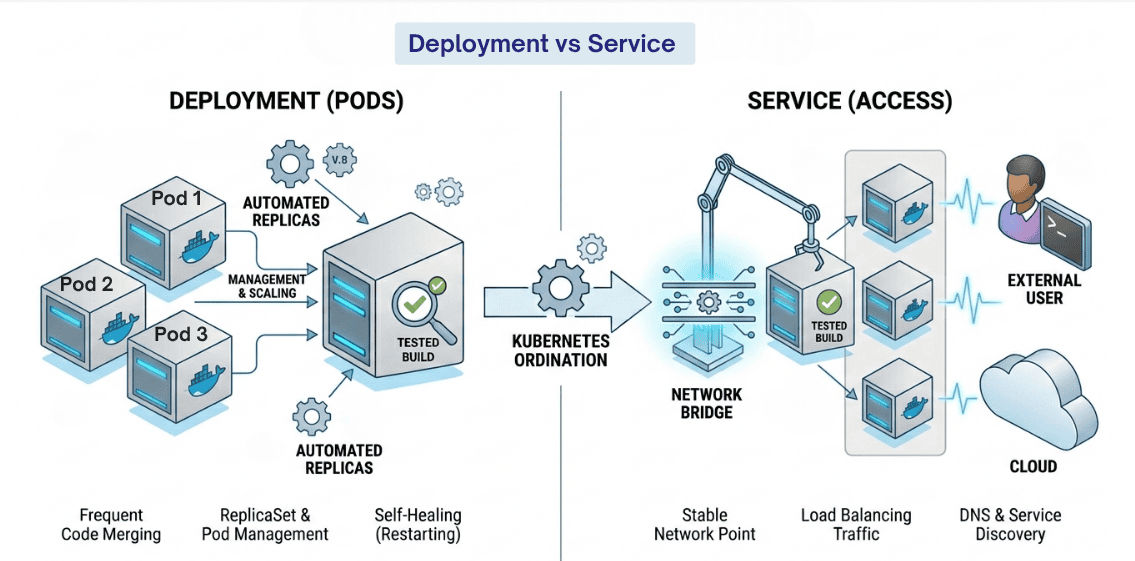
A Deployment YAML defines how an application should run inside a Kubernetes cluster. It ensures that your application is deployed in a controlled, scalable, and reliable way.
What a Deployment Includes
? In simple words: Deployment ensures your application is always running in the desired state.
Example:
apiVersion: apps/v1
kind: Deployment
metadata:
  name: user-service
spec:
  replicas: 2
  selector:
    matchLabels:
      app: user-service
  template:
    metadata:
      labels:
        app: user-service
    spec:
      containers:
        - name: user-service
          image: user-service:1.0
          ports:
            - containerPort: 8080
Explanation:
replicas: 2 → Runs 2 copies of the applicationimage → Docker image used for deploymentcontainerPort → Port exposed inside the containerlabels → Helps Kubernetes identify and manage PodsA Service YAML in Kubernetes is used to expose your application so it can be accessed either inside the cluster or from outside the cluster.
It acts as a network bridge between users and running Pods.
Why Service is Important
apiVersion: v1
kind: Service
metadata:
  name: user-service
spec:
  type: NodePort
  selector:
    app: user-service
  ports:
    - port: 80
      targetPort: 8080
      nodePort: 30080
Explanation:
type: NodePort → Exposes service externallyselector → Connects service to matching Podsport: 80 → Service port inside KubernetestargetPort: 8080 → Container application portnodePort: 30080 → External access port in browserIn a microservices architecture, applications are broken into multiple independent services. Each service is deployed separately in Kubernetes.
Key Concepts
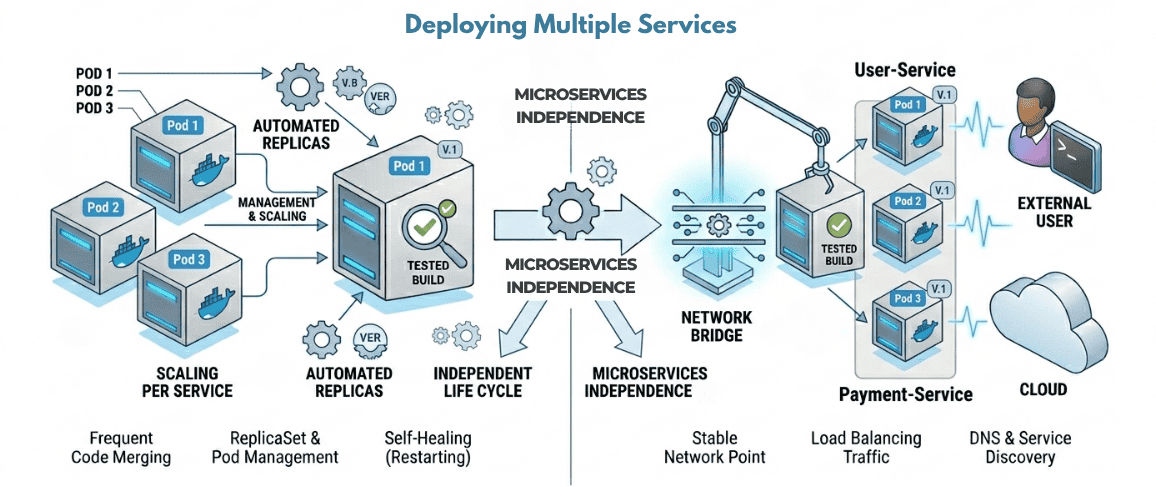
? This makes the system flexible, modular, and easy to manage.
Why Multiple Services Matter
In Kubernetes, microservices communicate using service names instead of IP addresses.
This is possible because Kubernetes provides built-in service discovery.
Example Communication
<http://user-service:8080>
Benefits of Service Communication
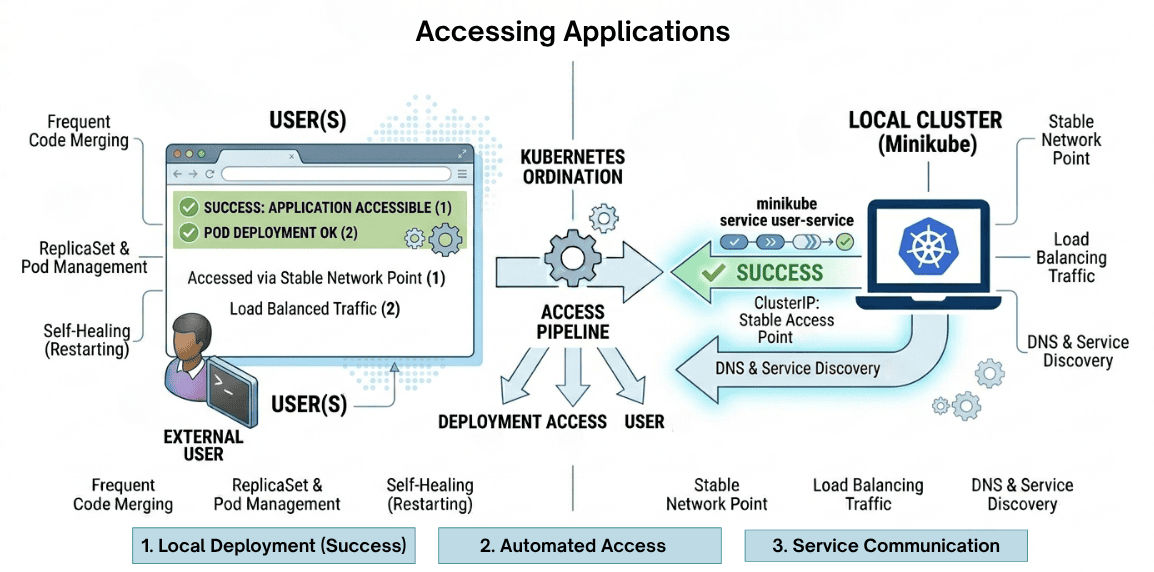
After deploying your services in Kubernetes using Minikube, you can access your applications in different ways depending on your service type.
Minikube provides a simple command to open your service directly in the browser.
minikube service user-service
If your service is exposed using NodePort, you can access it using the Minikube IP and assigned port.
http://<minikube-ip>:30080
To get Minikube IP:
minikube ip
How It Works
Deploying microservices on Minikube is a practical way to simulate a real Kubernetes environment on your local machine.
It allows developers to safely build, test, and manage applications before moving to production.
? Minikube bridges the gap between local development and real-world Kubernetes deployment.
