
Author
The Repository Layer in Spring Data is the part of your application that talks to the database. It provides a clean way to perform CRUD operations, run queries, and handle database interactions without writing a lot of boilerplate code.
This layer helps keep your business logic in the service layer separate from database-specific code, making your application cleaner and easier to maintain.
In Spring Data, the Repository Layer acts as an abstraction over the database. Instead of writing SQL or JDBC code, developers can use repository interfaces to handle data operations.
It allows you to focus on business logic while Spring Data takes care of the database interactions.
Key points:
@Query, or custom implementations.@Transactional).In simple words:
You tell the repository what you want, and it handles how to get it from the database.
The Repository Layer is responsible for:
@Query annotations, and custom queries.@Transactional to manage database transactions.Note: Spring Data automatically generates the implementation of repository interfaces at runtime, so you don’t need to write any boilerplate code.
Spring Data provides several core repository interfaces, organized in a hierarchy. Each interface adds more features and functionality.
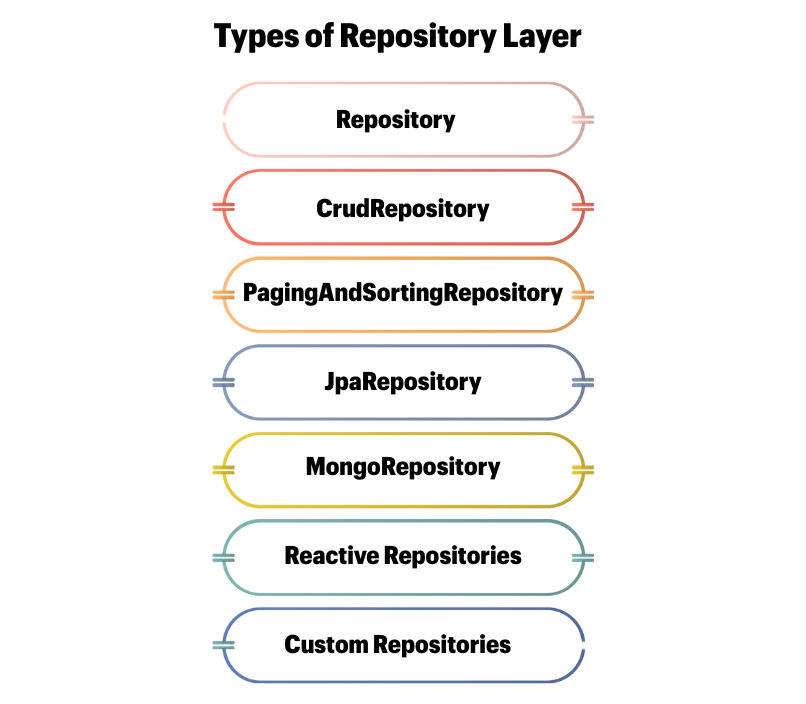
Key Methods:
| Method | Description |
|---|---|
save(S entity) |
Insert or update an entity |
findById(ID id) |
Retrieve an entity by ID |
findAll() |
Retrieve all entities |
deleteById(ID id) |
Delete an entity by ID |
existsById(ID id) |
Check if an entity exists |
Usage: Suitable for simple applications where only basic CRUD operations are needed.
publicinterfaceUserRepositoryextendsCrudRepository<User, Long> {}
Key Methods:
| Method | Description |
|---|---|
findAll(Pageable pageable) |
Fetch data in pages |
findAll(Sort sort) |
Fetch data in sorted order |
Usage: Ideal for large datasets where you don’t want to load all records at once.
Page<User> usersPage = userRepository.findAll(PageRequest.of(0,10, Sort.by("name")));
flush() and batch operations.Key Methods:
| Method | Description |
|---|---|
saveAndFlush(S entity) |
Save and immediately flush changes to the database |
flush() |
Flush pending changes |
deleteInBatch(Iterable<T> entities) |
Delete multiple records in batch |
Usage: Best for JPA/Hibernate projects with advanced features like batch operations and flushing the persistence context.
publicinterfaceUserRepositoryextendsJpaRepository<User, Long> {}
PagingAndSortingRepository.publicinterfaceUserRepositoryextendsMongoRepository<User, String> {}
publicinterfaceUserRepositoryextendsReactiveCrudRepository<User, String> {}
Sometimes, standard repository methods are not enough. You can define custom methods:
Step 1: Create a custom interface
publicinterfaceUserRepositoryCustom {
    List<User>findActiveUsersInRegion(String region);
}
Step 2: Implement the interface
publicclassUserRepositoryImplimplementsUserRepositoryCustom {
@PersistenceContext
private EntityManager em;

@Override
public List<User>findActiveUsersInRegion(String region) {
// JPQL or Criteria API logic
    }
}
Step 3: Extend your main repository
publicinterfaceUserRepositoryextendsJpaRepository<User, Long>, UserRepositoryCusto
CrudRepository → Basic CRUDPagingAndSortingRepository → Adds pagination & sortingJpaRepository → Adds JPA-specific operations and batch supportUsing Spring Data repositories correctly makes your application clean, efficient, and easy to maintain.
