
Author
Setting up a local infrastructure allows developers to run, test, and debug applications in an environment similar to production. It helps catch issues early and ensures smoother deployments.
A proper local setup includes tools like Docker and Kubernetes, along with supporting services such as databases and caches. This makes development faster, more consistent, and closer to real-world scenarios.
? This improves developer productivity and application reliability.
Using Docker and Kubernetes locally helps simulate real production environments. Docker is used to containerize applications, while Kubernetes manages them.
? This helps in learning and implementing container orchestration and microservices architecture.
Run Application with Docker
docker build -t myapp .
docker run -p 8080:8080 myapp
Local Kubernetes (Minikube)
minikube start
kubectl apply -f deployment.yaml
kubectl get pods
? Tools you can use:
A well-organized project structure helps manage services efficiently and keeps your local setup clean and scalable.
project-root/
│── app/
│── docker-compose.yml
│── .env
│── deployment.yaml
? A clean structure improves developer experience and maintainability.
Applications often depend on databases and caching systems like MySQL or Redis. Running them locally helps test real integrations.
? This ensures end-to-end functionality before production deployment.
Run MySQL Container
docker run -d \\
  --name mysql-db \\
  -e MYSQL_ROOT_PASSWORD=root \\
  -p 3306:3306 \\
  mysql:8
Run Redis Container
docker run -d \\
  --name redis-cache \\
  -p 6379:6379 \\
  redis
Docker Compose allows you to define and run multiple services together using a single file.
? This simplifies multi-container application setup.
Example docker-compose.yml
version: '3.8'

services:
  app:
    build: .
    ports:
      - "8080:8080"
    depends_on:
      - mysql
      - redis

  mysql:
    image: mysql:8
    environment:
      MYSQL_ROOT_PASSWORD: root
    ports:
      - "3306:3306"

  redis:
    image: redis
    ports:
      - "6379:6379"
Run All Services
docker-compose up -d
By default, container data is temporary. If the container stops or is removed, all data will be lost. Volumes ensure your data is stored safely.
Example (Docker Compose with Volume)
services:
  mysql:
    image: mysql:8
    environment:
      MYSQL_ROOT_PASSWORD: root
    ports:
      - "3306:3306"
    volumes:
      - mysql-data:/var/lib/mysql

volumes:
  mysql-data:
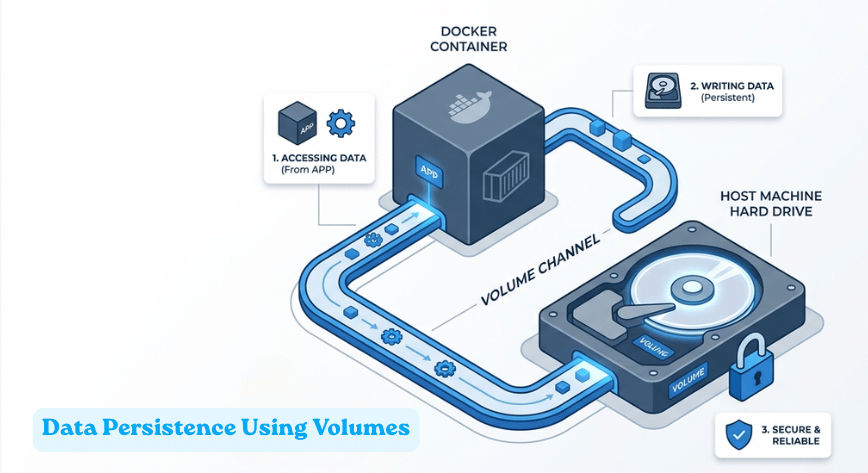
? This is essential for real-world development and database persistence.
Different environments require different configurations. For example, debug logs in development and optimized settings in production.
? This helps manage environment-specific configurations safely.
Example .env File
DB_HOST=localhost
DB_PORT=3306
DB_USER=root
DB_PASSWORD=root
Use in Docker Compose
env_file:
  - .env
? Always avoid hardcoding sensitive data.
Hot reload allows you to see code changes instantly without rebuilding containers, which improves development speed.
Example (Volume Mounting)
services:
  app:
    volumes:
      - ./app:/app
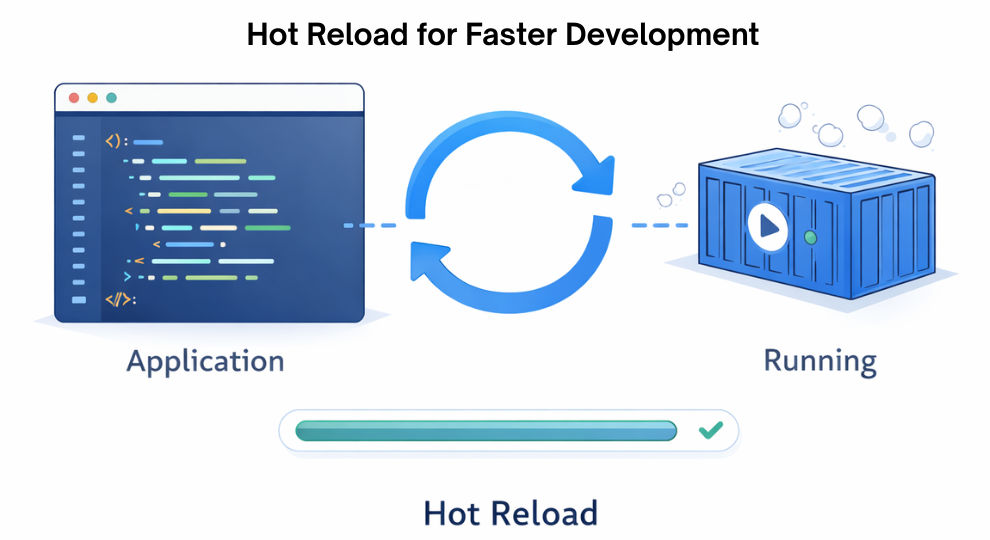
? This improves developer productivity and faster iteration.
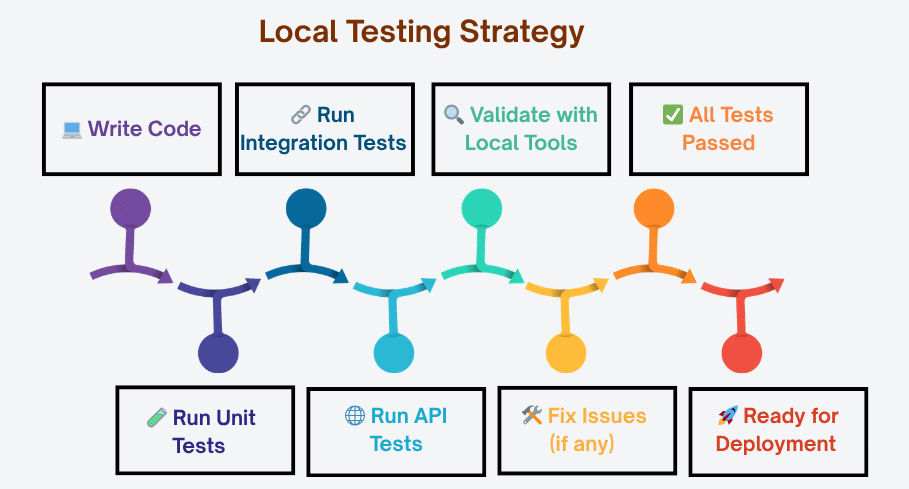
Testing locally ensures that your application works correctly before deployment. It includes unit testing, integration testing, and API testing.
? This improves code quality and reduces production bugs.
Run Tests (Example - Maven)
mvn test
API Testing (cURL)
curl <http://localhost:8080/api/health>
? You can also use tools like:
A proper local infrastructure setup is essential for building reliable and production-ready applications. It helps developers test features, integrations, and deployments in a controlled environment.
By using tools like Docker, Kubernetes, and Docker Compose, you can create a consistent and efficient development workflow.
Start building your local setup today to improve development speed and reduce production issues.
