
Author
Running containers in production is not just about performance—it’s also about security. If your Docker setup is not properly secured, it can expose your application, data, and server to serious risks.
Docker Security & Production Hardening means applying best practices to protect containers, images, and infrastructure from vulnerabilities and attacks.
? In simple words: Secure your containers so your application stays safe in production.
In production environments, even a small misconfiguration can lead to serious security risks.
? Proper Docker security ensures your application stays safe, stable, and reliable in production environments.
By default, Docker containers run as the root user, which can be a security risk in production.
FROM openjdk:17-jdk-slim
RUN useradd -m appuser
USER appuser
? Running containers as a non-root user limits system access and reduces the impact of potential security breaches.
Always use verified and well-maintained images from trusted sources.
? This reduces the risk of malware, backdoors, and security vulnerabilities in your containers.
Before deploying your application, scan Docker images for known security issues.
docker scan your-image-name
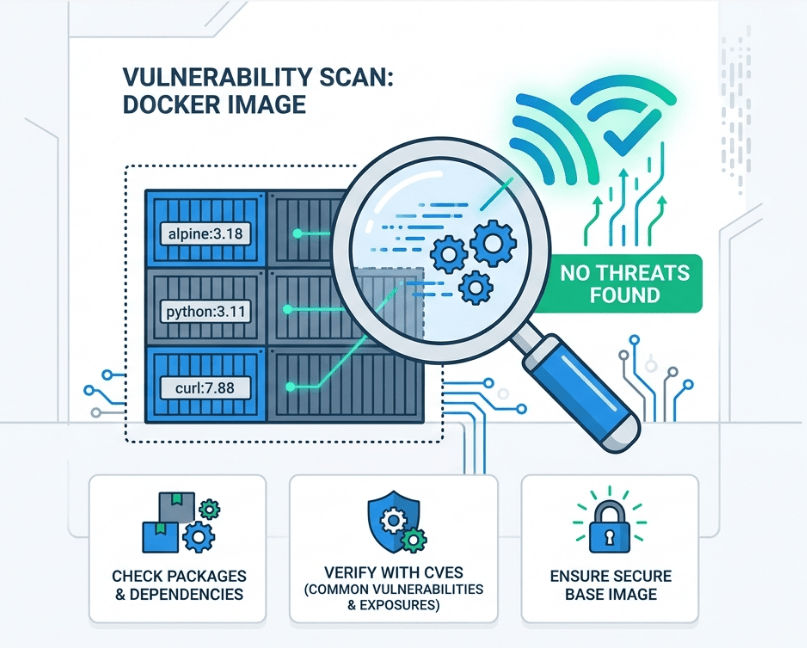
? This helps detect vulnerabilities and outdated dependencies that could be exploited.
Always use the latest stable and secure base images.
FROM openjdk:17-jdk-slim
? Regular updates include important security patches and bug fixes, keeping your application safe.
Restrict CPU and memory usage to prevent overloading your system.
docker run -d --memory="512m" --cpus="1.0" app
? This ensures no single container can consume all system resources, improving stability.
Make the container filesystem read-only whenever possible.
docker run --read-only app
? This prevents attackers or processes from modifying container files, improving security.
Never hardcode sensitive data like passwords or API keys.
docker run -e DB_PASSWORD=secret app
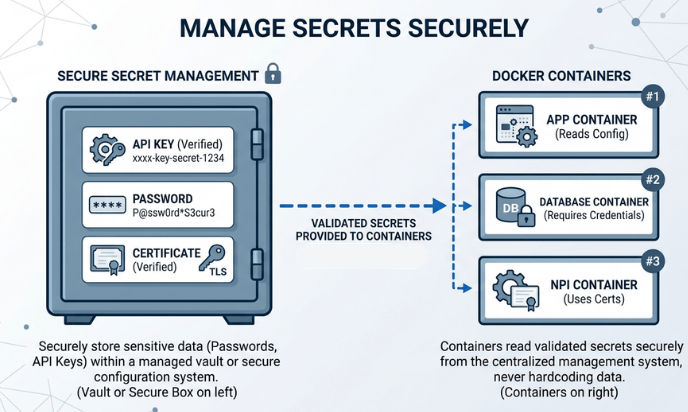
? Use environment variables or secret management tools to keep sensitive data secure.
Limit how containers communicate with each other to improve security.
docker network create secure_network
? Creating a custom network helps isolate containers and prevents unnecessary external access.
Track container activity to detect issues and troubleshoot problems early.
docker logs <container_id>
? Logs help you identify errors, monitor behavior, and detect any suspicious activity in your application.
Avoid large images that include unnecessary tools and packages.
FROM openjdk:17-jdk-slim
? Smaller images reduce the attack surface and improve performance and deployment speed.
Check your Docker environment against security best practices.
docker run--rm-it docker/docker-bench-security
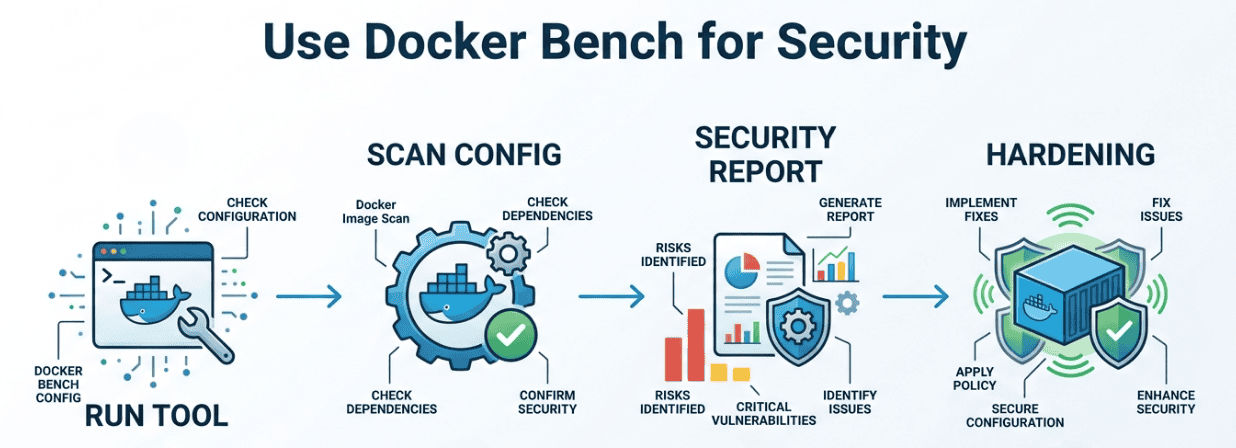
? This tool scans your Docker setup and provides a detailed security report with recommendations.
Expose only the ports that are required by your application.
EXPOSE 8080
? This reduces the attack surface and minimizes the chances of unauthorized access.
Always keep backups of important application and volume data.
? Regular backups help you recover quickly from failures, crashes, or security attacks.
Docker Security & Production Hardening is essential for running safe, reliable, and scalable applications in production environments.
By following these best practices, you can:
? In modern development, security is not optional—it’s a necessity.
