Author
Backgrounds are a key part of web design because they define the visual canvas behind elements, improving readability, aesthetics, and user experience. CSS allows you to control backgrounds with precision and flexibility, whether it’s a solid color, an image, or a combination.
The background-color property sets a solid color behind an element, filling its content, padding, and optionally the border area.
Example:
div {
  background-color: lightblue;
}
The background-image property applies an image behind an element. You can use a single image or multiple layered images.
Example:
section.hero {
  background-image: url('hero-background.jpg');
}
The background-position property controls where the background image is placed inside the element.
Values:
top, center, bottom, left, right50% 50% → centers the image10px 20px → exact position from top-left cornerExample:
div.banner {
  background-image: url('banner.jpg');
  background-position: center top;
}
The background-repeat property defines whether and how a background image repeats.
Values :
| Value | Description |
|---|---|
repeat |
Default; repeats horizontally and vertically |
repeat-x |
Repeats only horizontally |
repeat-y |
Repeats only vertically |
no-repeat |
Shows the image only once |
Example:
div.banner {
  background-image: url('pattern.png');
  background-repeat: repeat-x;
}
The background-size property controls how large the background image appears within the element.
Common Values:
| Value | Description |
|---|---|
auto |
Default; keeps original image size |
cover |
Scales image to cover entire element (may crop) |
contain |
Scales image to fit element without cropping |
width height |
Custom dimensions (e.g., 100% 100%) |
Example:
section.hero {
  background-image: url('hero.jpg');
  background-size: cover;
  background-position: center;
  background-repeat: no-repeat;
}
CSS allows you to combine multiple background properties into a shorthand:
element {
  background: #f0f0f0 url('bg.jpg') no-repeat center/cover;
}
Explanation:
#f0f0f0 → fallback colorurl('bg.jpg') → background imageno-repeat → image displayed oncecenter → positioncover → size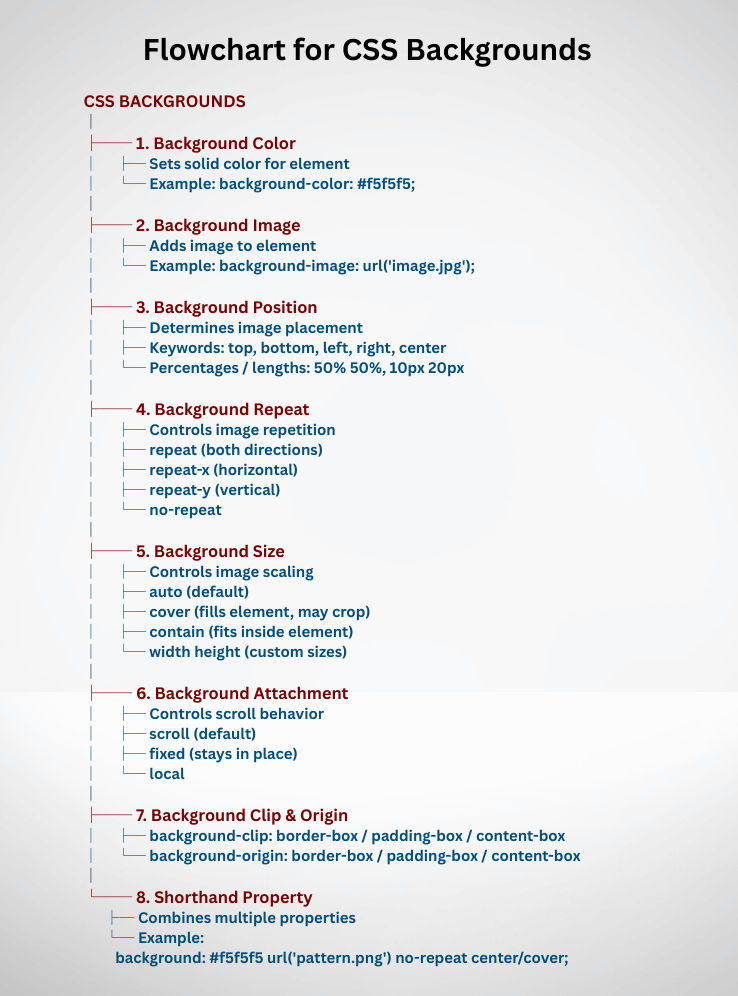
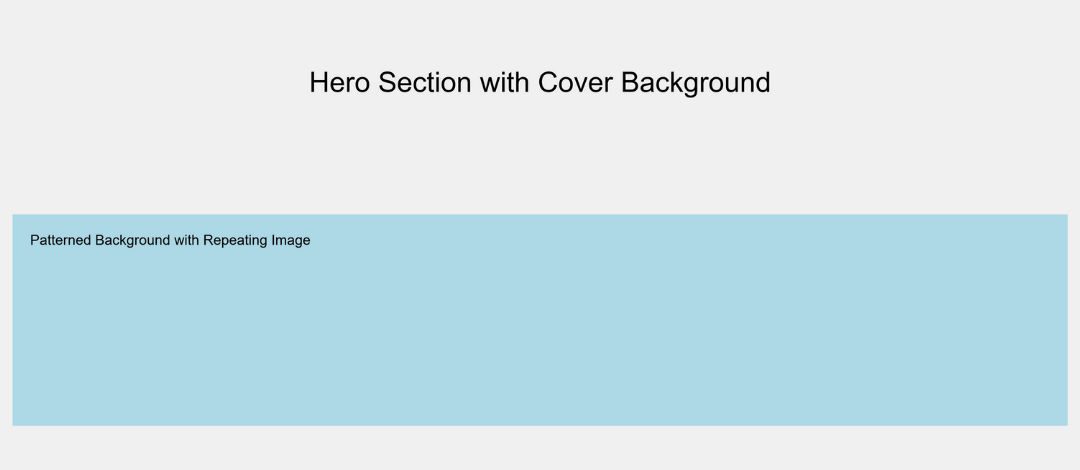
<!DOCTYPE html>
<html lang="en">
<head>
  <meta charset="UTF-8">
  <title>CSS Background Example</title>
  <style>
    body {
      background-color: #f0f0f0; /* fallback color */
      font-family: Arial, sans-serif;
      padding: 20px;
    }

    .hero {
     height: 300px;
      background-image: url('hero.jpg');
      background-size: cover;
      background-position: center;
      background-repeat: no-repeat;
      color: black;
      display: flex;
      justify-content: center;
      align-items: center;
      font-size: 2em;
    }

    .pattern {
      height: 200px;
      background-image: url('pattern.png');
      background-repeat: repeat;
      background-position: top left;
      background-color: lightblue;
      padding: 20px;
    }
  </style>
</head>
<body>

  <div class="hero">
    Hero Section with Cover Background
  </div>

  <div class="pattern">
    Patterned Background with Repeating Image
  </div>

</body>
</html>
Output :