
Author
Strings are one of the most commonly used data types in Java. They allow you to store and manipulate sequences of characters, such as names, messages, or any text data. Understanding strings and their methods is crucial for writing efficient Java programs.
Strings are one of the most commonly used data types in Java. They allow you to store and manipulate sequences of characters, such as names, messages, or any text data.
java.lang package, so you don’t need to import anything to use them.String name = "John";
System.out.println("Name: " + name);
Output:
Name: John
There are two main ways to create strings:
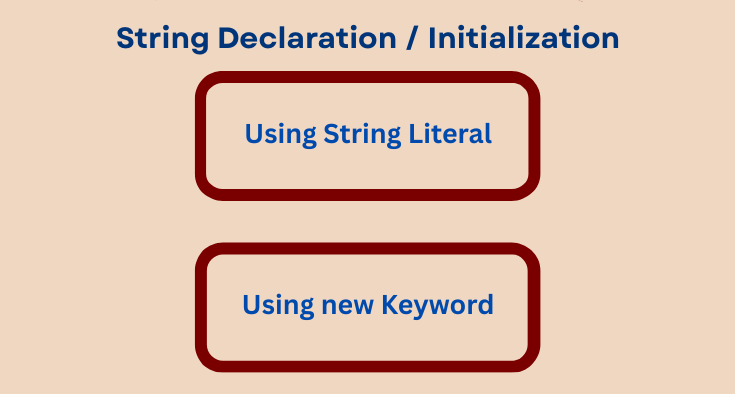
1. Using String Literal
String message = "Hello Java";
2. Using new Keyword
String message = new String("Hello Java");
Note : String literals are stored in the String Pool to save memory. Using new creates a new object in the heap every time.
| Feature | Description |
|---|---|
| Immutable | Strings cannot be modified after creation |
| Indexed | Characters in a string are indexed from 0 |
| Object | Strings are objects, not primitive data types |
| Methods | Strings have many built-in methods for manipulation |
| Method | Description | Example |
|---|---|---|
length() |
Returns the number of characters | "Java".length() → 4 |
charAt(int index) |
Returns character at specified index | "Java".charAt(2) → 'v' |
concat(String s) |
Concatenates another string | "Java".concat(" Programming") → "Java Programming" |
toUpperCase() |
Converts to uppercase | "java".toUpperCase() → "JAVA" |
toLowerCase() |
Converts to lowercase | "JAVA".toLowerCase() → "java" |
equals(String s) |
Compares two strings | "Java".equals("java") → false |
equalsIgnoreCase(String s) |
Compares ignoring case | "Java".equalsIgnoreCase("java") → true |
substring(int start, int end) |
Extracts substring | "Java".substring(1,3) → "av" |
trim() |
Removes leading and trailing spaces | " Java ".trim() → "Java" |
replace(char old, char new) |
Replaces character | "Java".replace('a','o') → "Jovo" |
String str = "Java";
String newStr = str.concat(" Programming");

System.out.println(str);    // Java
System.out.println(newStr); // Java Programming
HashMap.new do not go into the pool (stored in heap).String s1 = "Java";
String s2 = "Java";
String s3 = new String("Java");
System.out.println(s1 == s2); // true, same object in pool
System.out.println(s1 == s3); // false, different objects
public class StringExample {
    public static void main(String[] args) {
        String firstName = "John";
        String lastName = "Doe";

        // Concatenation
        String fullName = firstName + " " + lastName;
        System.out.println("Full Name: " + fullName);

        // Length
        System.out.println("Length: " + fullName.length());

        // Substring
        System.out.println("First Name: " + fullName.substring(0, 4));

        // Uppercase
        System.out.println("Uppercase: " + fullName.toUpperCase());
    }
}
Output:
Full Name: John Doe
Length: 8
First Name: John
Uppercase: JOHN DOE
