
Author
Inter-Thread Communication (ITC) in Java is a powerful concept that allows multiple threads to communicate with each other in a controlled and synchronized way.
It is mainly achieved using three important methods:
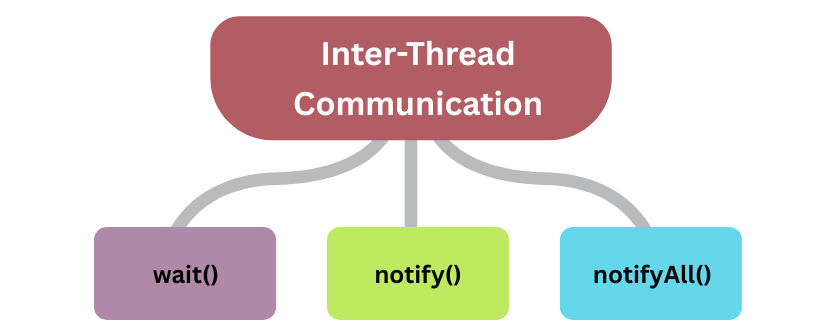
These methods help threads pause, resume, and coordinate execution while working on shared resources.
In multithreaded applications, threads often share common data.
If threads access this data without coordination, it may cause:
Inter-thread communication solves these problems by allowing threads to wait for a condition and get notified when that condition is fulfilled.
All three methods belong to the Object class, not the Thread class.
? This is because every object in Java can be used as a lock, and threads communicate using that object’s monitor.
Important Rule :
These methods must always be called inside a synchronized block or synchronized method, otherwise JVM throws
IllegalMonitorStateException.
These methods belong to the Object class:
wait() MethodThe wait() method tells the current thread to pause execution and go into a waiting state until another thread notifies it.
When a thread calls wait():
notify() is callednotifyAll() is calledSyntax of wait()
synchronized (object) {
    object.wait();
}
Example of wait()
classSharedData {
booleandataAvailable=false;

synchronizedvoidconsume()throws InterruptedException {
while (!dataAvailable) {
            System.out.println("Consumer waiting...");
            wait();// releases lock and waits
        }
        System.out.println("Consumer consumed data");
    }
}
Explanation
wait()Think of a student waiting outside the classroom.
The student leaves the door (lock) free and waits until the teacher calls him inside.
notify() MethodThe notify() method wakes up exactly one thread that is waiting on the same object.
If multiple threads are waiting, only one thread is chosen randomly by the JVM scheduler.
Syntax of notify()
synchronized (object) {
    object.notify();
}
Example of notify()
classSharedData {
booleandataAvailable=false;

synchronizedvoidproduce() {
        dataAvailable =true;
        System.out.println("Producer produced data");
        notify();// wakes one waiting thread
    }
}
Explanation
notify()Imagine calling one person’s name from a waiting room.
Only that person gets up; others keep waiting.
notifyAll() MethodThe notifyAll() method wakes up all threads waiting on the same object.
All awakened threads then compete for the lock, but only one thread gets it at a time.
Syntax of notifyAll()
synchronized (object) {
    object.notifyAll();
}
Example of notifyAll()
classSharedResource {

synchronizedvoidupdateResource() {
        System.out.println("Resource updated");
        notifyAll();// wakes all waiting threads
    }
}
Explanation
Think of ringing a bell in a school.
All students hear it, but only one enters the classroom at a time.
Steps:
wait() → goes to waiting state and releases lock.notify() / notifyAll().classSharedBuffer {
privateint data;
privatebooleanavailable=false;
publicsynchronizedvoidproduce(int value)throws InterruptedException {
while (available) wait();// wait until data is consumed
data = value;
available =true;
System.out.println("Produced: " + value);
notify();// notify consumer
}
publicsynchronizedintconsume()throws InterruptedException {
while (!available) wait();// wait until data is produced
available =false;
System.out.println("Consumed: " + data);
notify();// notify producer
return data;
}
}
publicclassProducerConsumerExample {
publicstaticvoidmain(String[] args) {
SharedBufferbuffer=newSharedBuffer();
Threadproducer=newThread(() -> {
for (inti=1; i <=5; i++) {
try { buffer.produce(i); }catch (InterruptedException e) {}
}
});
Threadconsumer=newThread(() -> {
for (inti=1; i <=5; i++) {
try { buffer.consume(); }catch (InterruptedException e) {}
}
});
producer.start();
consumer.start();
}
}
Output Example:
Produced: 1
Consumed: 1
Produced: 2
Consumed: 2
...
wait() → releases lock and waits.notify() → wakes up one waiting thread.notifyAll() → wakes up all waiting threads.wait(), notify(), notifyAll() (used with synchronized).