
Author
Event handling is the process of responding to events when they occur in a web page or application. JavaScript allows you to register functions (event handlers) that run whenever a specific event is triggered.
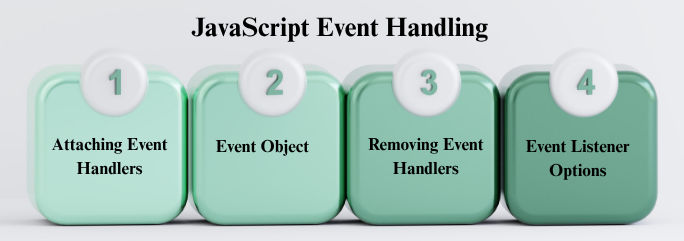
There are three main ways to handle events:
a) Inline HTML Attribute (Not recommended)
Assign a function directly in HTML using the on attribute.
<button onclick="alert('Button clicked')">Click Me</button>
b) Using DOM Element Properties
Assign a function to the on<Event> property of an element.
const btn = document.getElementById("myButton");
btn.onclick = () => console.log("Button clicked");
c) Using addEventListener (Recommended)
Registers one or more handlers for an event.
const btn = document.getElementById("myButton");
btn.addEventListener("click", () => console.log("Clicked!"));
When an event occurs, the handler receives an event object with useful information:
element.addEventListener("click", (event) => {
  console.log("Event type:", event.type);
  console.log("Target element:", event.target);
});
Common properties:
event.type → type of the event (e.g., "click")event.target → element that triggered the eventevent.currentTarget → element the handler is attached toevent.preventDefault() → prevent default browser behaviorevent.stopPropagation() → stop event from bubbling upYou can remove handlers when they’re no longer needed using removeEventListener:
function handleClick() {
  console.log("Clicked!");
}

btn.addEventListener("click", handleClick);

// Remove later
btn.removeEventListener("click", handleClick);
true, the handler runs only once and is automatically removed.true, the handler never calls preventDefault() (improves scrolling performance).btn.addEventListener("click", () => console.log("Clicked once"), { once: true });
