
Author
Quotations and Related Tags in HTML are used for quotes, citations, abbreviations, and contact details. They provide semantic meaning to the text, making it clearer for readers while also improving readability, accessibility, and SEO. By using these tags, browsers, search engines, and screen readers can better understand the purpose of the text, which makes webpages more user-friendly and meaningful.
<blockquote> – Block QuotationExample:
<blockquote cite="https://www.goodreads.com/quotes">
  The only limit to our realization of tomorrow is our doubts of today.
</blockquote>
Output :

<q> – Short Inline Quotation“ ”) automatically.Example:
<p>Albert Einstein once said, <q>Imagination is more important than knowledge.</q></p>Output :

<cite> – Citation for a WorkRepresents the title of a work (book, article, research paper, movie, website, etc.).
<cite> in italic.Example:
<p><cite>The Great Gatsby</cite> was written by F. Scott Fitzgerald.</p>output :

When to use: For titles of creative works (not author names).
<abbr> – Abbreviations and AcronymsNot a quotation, but often paired with citations.
Provides the full form of an abbreviation.
Improves accessibility — users can hover to see the meaning.
Example:
<p><abbr title="HyperText Markup Language">HTML</abbr> is the standard language for creating web pages.</p>Output :

When to use: For acronyms or short forms to clarify meaning.
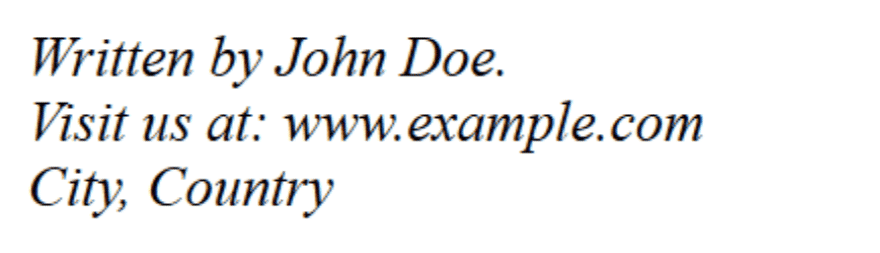
<address> – Contact Information (Related to Author/Owner)Sometimes used with citations to show the author’s contact info.
Usually displayed in italic and with a line break.
Example:
<address>
  Written by John Doe.<br>
  Visit us at: www.example.com<br>
  City, Country
</address>
Output :
When to use: For author or owner contact details, not general quotes.
