

Top Cybersecurity Threats in 2026 and How to Stay Safe Online
In today’s digital world, cybersecurity is more important than ever. As technology continues to grow, cybercriminals are also finding smarter and more dangerous ways to attack users, businesses, and websites.
In 2026, online threats are increasing rapidly, and everyone needs to stay alert. A single mistake can lead to data theft, financial loss, or account hacking.
In this blog, you will learn about the top cybersecurity threats in 2026 and simple ways to stay safe online, even if you are not a tech expert.
? What Is Cybersecurity?
Cybersecurity means protecting computers, networks, websites, and personal data from digital attacks. These attacks are designed to steal information, damage systems, or cause financial harm.

Cybersecurity is important for:
- Personal data protection
- Online banking safety
- Business security
- Website and app safety
? Top Cybersecurity Threats in 2026
? Phishing Attacks
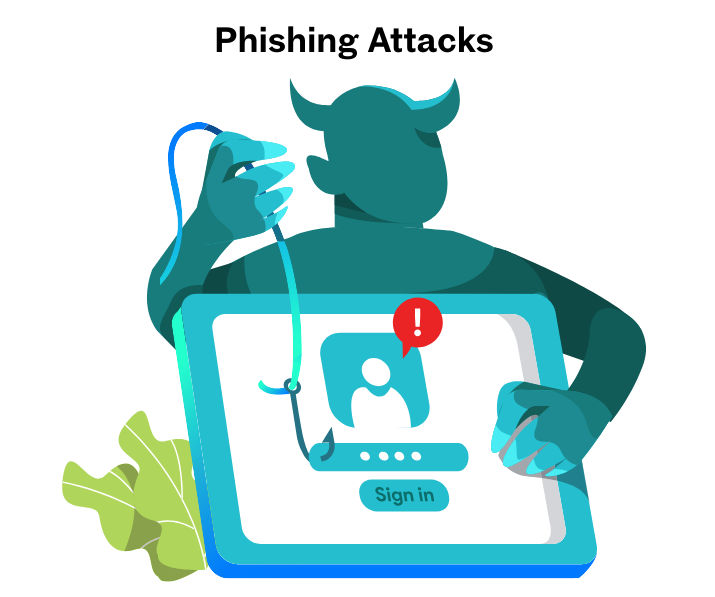
Phishing is one of the most common and dangerous cyber threats. Hackers send fake emails, messages, or links that look genuine. Their goal is to trick users into sharing passwords, OTPs, or bank details.
? How to stay safe:
- Do not click on unknown or suspicious links
- Check email sender details carefully
- Use spam filters
? Ransomware Attacks
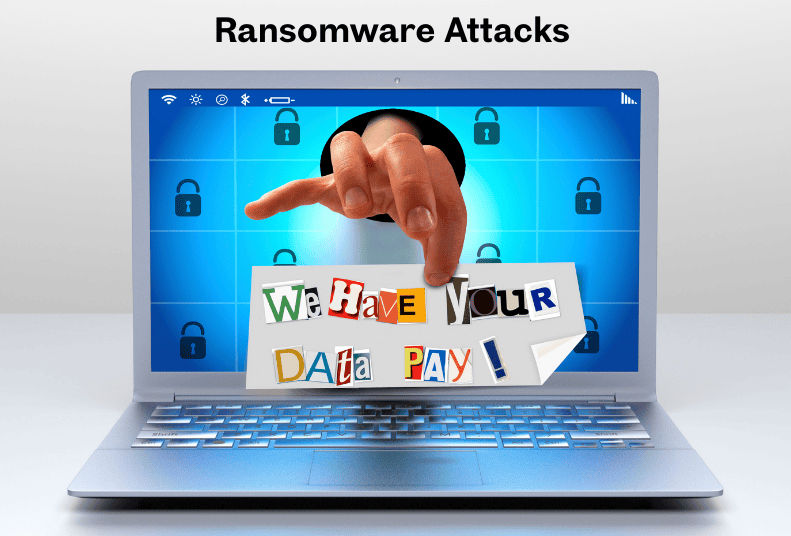
Ransomware attacks lock your files or systems and demand money to unlock them. These attacks commonly target businesses, hospitals, and even personal users.
? How to stay safe:
- Keep backups of important files
- Install trusted antivirus software
- Avoid downloading unknown files
?️ Data Breaches
Data breaches occur when hackers steal personal or company data from websites or applications. Stolen data is often misused or sold online.
? How to stay safe:
- Use strong and unique passwords
- Enable two-factor authentication (2FA)
- Avoid sharing personal data on unsafe websites
? Malware and Spyware
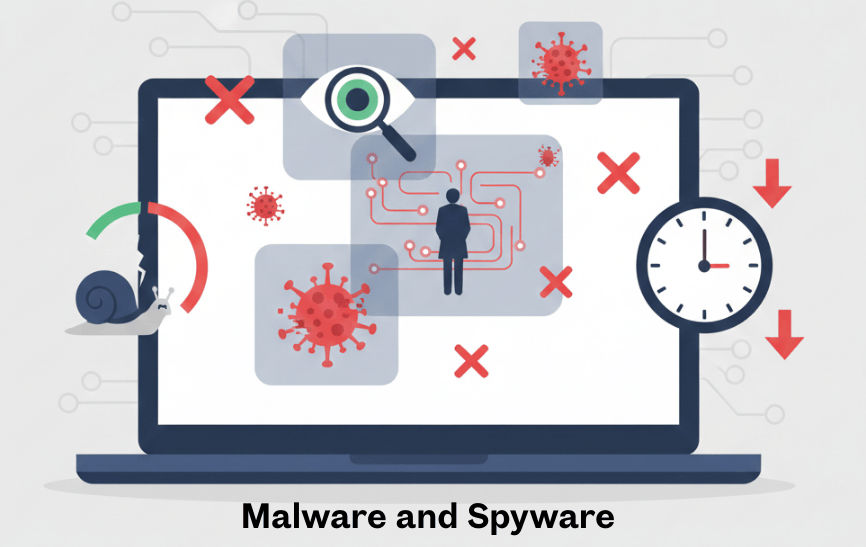
Malware and spyware enter devices through unsafe websites, apps, or downloads. They silently track your activity and steal sensitive information.
? How to stay safe:
- Download apps only from trusted sources
- Keep your operating system updated
- Scan your device regularly
? Public Wi-Fi Risks
Public Wi-Fi networks in cafes, airports, and hotels are often unsecured. Hackers can easily intercept data on these networks.
? How to stay safe:
- Avoid online banking on public Wi-Fi
- Use a VPN
- Turn off auto-connect options

? Best Cybersecurity Tips for Everyone
- Use strong passwords with symbols and numbers

- Never reuse the same password on multiple websites
- Keep software and apps updated
- Install trusted security tools
- Always think before clicking on links
? Why Cybersecurity Is Important in 2026
With online shopping, digital payments, cloud storage, and remote work increasing, cybersecurity is no longer optional.
One small mistake can result in:
- Financial loss
- Identity theft
- Account hacking
- Business damage
Staying informed and following basic security practices can protect you from most cyber threats.
? Final Thoughts
Cybersecurity is everyone’s responsibility. You don’t need to be a tech expert to stay safe online. Simple habits, awareness, and smart decisions can protect your digital life.
If you own a tech website, creating cybersecurity content can help you build trust, gain traffic, and achieve long-term growth.
❓ FAQs (Frequently Asked Questions)
1. What is cybersecurity in simple words?
Cybersecurity means protecting your computer, mobile phone, internet connection, and personal data from hackers, viruses, and online attacks.
2. Why is cybersecurity important?
Cybersecurity protects personal information, bank details, social media accounts, and business or website data from theft or misuse.
3. What are the most common cyber threats?
Common cyber threats include phishing attacks, malware and viruses, ransomware, data breaches, and online scams.
4. How do hackers steal personal information?
Hackers steal data through fake emails and links, unsafe websites, public Wi-Fi networks, weak passwords, and malicious apps.
5. How can I protect myself from online scams?
Avoid suspicious links, use strong and unique passwords, enable two-factor authentication, and ignore unknown emails or messages.
6. Is public Wi-Fi safe to use?
Public Wi-Fi is not fully safe. Hackers can access your data on open networks. Avoid sensitive activities and use a VPN.
7. What is phishing and how does it work?
Phishing is a cyber attack where hackers pretend to be trusted companies to steal passwords, OTPs, or bank details.
8. Can social media accounts be hacked?
Yes. Accounts can be hacked if passwords are weak or malicious links are clicked. Two-step verification greatly improves security.